

Edit and create local Markdown files in peace.
Version 1.3.0 · macOS Tahoe 26 or later
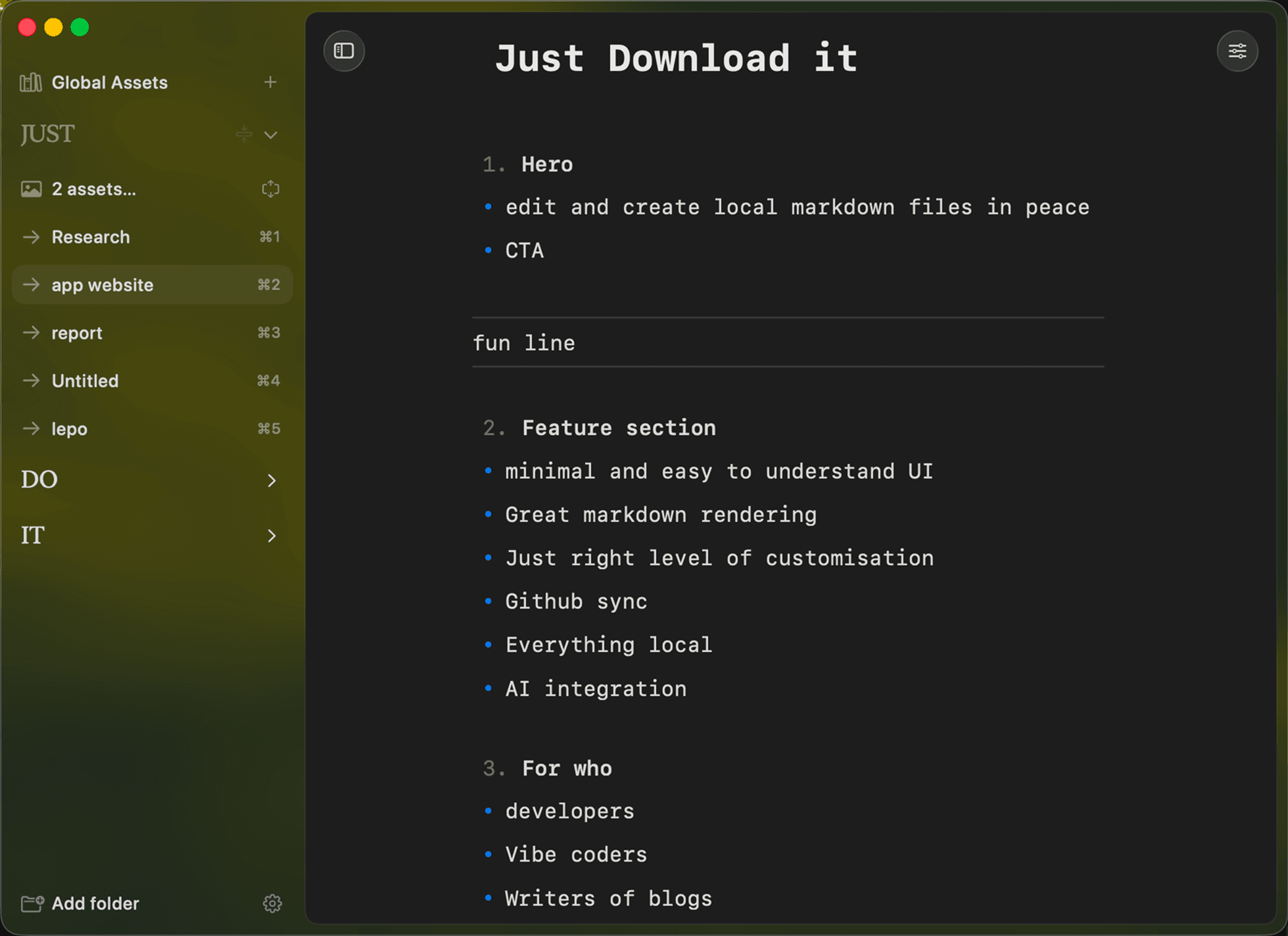
Plain files, nothing in the way. Ordinary Markdown in the folders you already use, with the few tools you actually reach for.
Minimal interface. The document gets most of the screen. Controls stay where you look for them and disappear when you do not need them.
Everything local. Open Markdown files from any folder on your Mac. They are edited in place, never moved into a library.
Slash commands. Type / for headings, lists and the rest, including /math and /equation for formulas.
Proper rendering. Numbered and nested lists, task checkboxes, H1 to H4, links, images and tables, all with one set of type rules.
Code and LaTeX. Inline code, fenced code blocks and LaTeX formulas render right in the editor.
Syntax when you want it. Choose when the Markdown syntax appears while you write, so the page reads the way you like.
Your type. Monospace, serif or sans-serif. Set the editor width, type size, line spacing and image size.
Light, dark or system. Follow the Mac or pick a side, with a custom accent colour or the macOS one.
Images in the note. Drag an image into a document and it shows where you dropped it. Assets stay listed in the sidebar.
GitHub sync. Sync through repositories you already use. A push can update another Mac, publish a post or trigger a deployment.
AI integration. Codex, Claude Code, OpenCode and others, through the subscriptions you already pay for. Nothing runs unless you start it.
Bugs reported in a click. Menu, then Report a Bug. The draft already carries your app and macOS version.
Pricing. 29€ once, yours for life. Secure checkout with Polar, licence delivered by email.
Requires macOS Tahoe 26 or later. Refund policy
Questions? Answers.
Roadmap.
Shaped by the ideas people ask for most, kept the way the app keeps a list.
## v1 · Released
- The editor
- Markdown rendering
- Customisation
- GitHub sync
## v2 · Released
- Quick notes popup with a global shortcut
- Better settings menu
- One design language across the whole UI
- Better light mode
- Themes
- Bug report fixes
## v3 · In progress
- Export to PDF, PNG, Markdown and DOCX
- iOS app
- HTML rendering
- Graph rendering
- Mermaid support
Missing something? Suggest it. Found a bug? Menu, then Report a Bug, right in the app.
Request a feature